
Tool mode: JPG to PNGJPG to PNG
how to convert jpg to png becomes simple when you use this online JPG to PNG converter to upload your image, process it instantly, and download a high-quality PNG file without installing any software.
JPG images work well for everyday photos because they keep file sizes small. However, JPG compression removes image data every time you save the file. This often reduces sharpness and creates visible quality loss, especially around text, icons, and edges.
PNG format solves these issues by using lossless compression. It preserves image details and supports transparent backgrounds, which makes it a better choice for web graphics, logos, screenshots, and design assets.
Why Convert JPG Images to PNG Format
Designers, developers, and content creators often convert JPG files to PNG to maintain image clarity. PNG images handle repeated edits without degrading quality and display clean edges on all screen sizes.
Many users ask how can I convert JPG to PNG without using heavy design software. An online converter offers a faster solution and works directly in your browser. You can convert images on Windows, Mac, or mobile devices without downloading extra tools.
Fast and Easy JPG to PNG Conversion
This tool focuses on speed and simplicity. Upload your JPG image, let the converter process it automatically, and download your PNG file within seconds. The tool handles the conversion accurately and keeps the original resolution intact.
If you work on multiple devices or need quick results for web projects, this converter fits perfectly into your workflow. It also helps when you need consistent image formats across websites, presentations, or social media platforms.
When PNG Is the Better Choice
JPG files suit photography and casual sharing, but PNG works better for professional use. PNG supports transparency, sharp lines, and detailed graphics. When image quality matters, converting JPG images to PNG helps you avoid compression artifacts and blurry visuals.
All uploaded files stay secure during processing. The system automatically deletes images after conversion to protect your privacy and keep storage clean.
If you are looking for ready-to-use vector graphics, you can explore our free SVG files for personal and commercial projects.
If you want to handle multiple image formats from one place, you can use our all-in-one image converter for fast and flexible conversions.
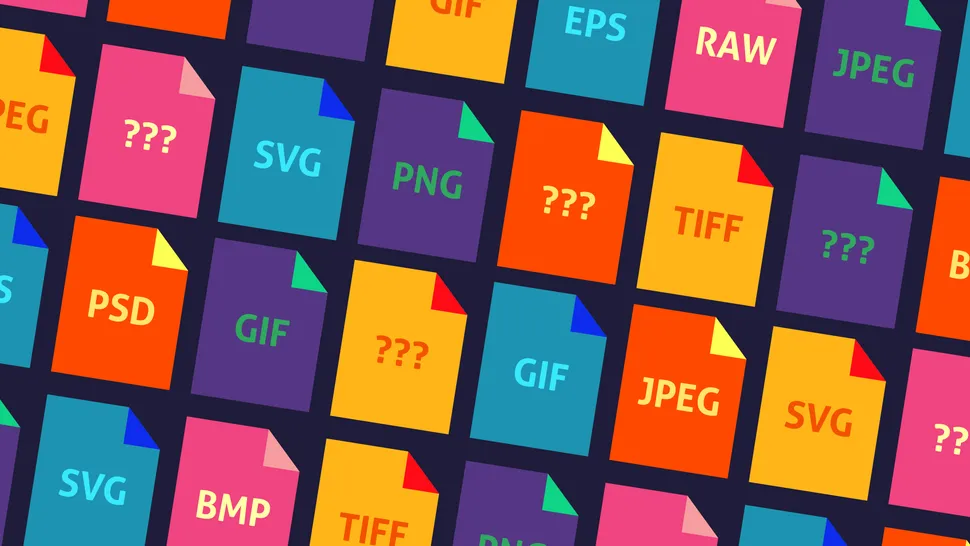
Understanding different image formats and their use cases helps you choose the right format for each project.